BASIC INTERFACE
BASIC INTERFACE
SEE WHERE TO PLAY, CREATE, AND CONNECT
Jamgather is simple once you know the layout: choose a tool on the left, work in the middle, and use the right panel for your account, settings, friends, notifications, and activity.
MAIN LAYOUT
ONE SCREEN, THREE WORKING AREAS
The website is built around a stable three-column layout. The left menu helps you jump between tools, the center area shows the current page, and the right panel keeps your account and friends close.
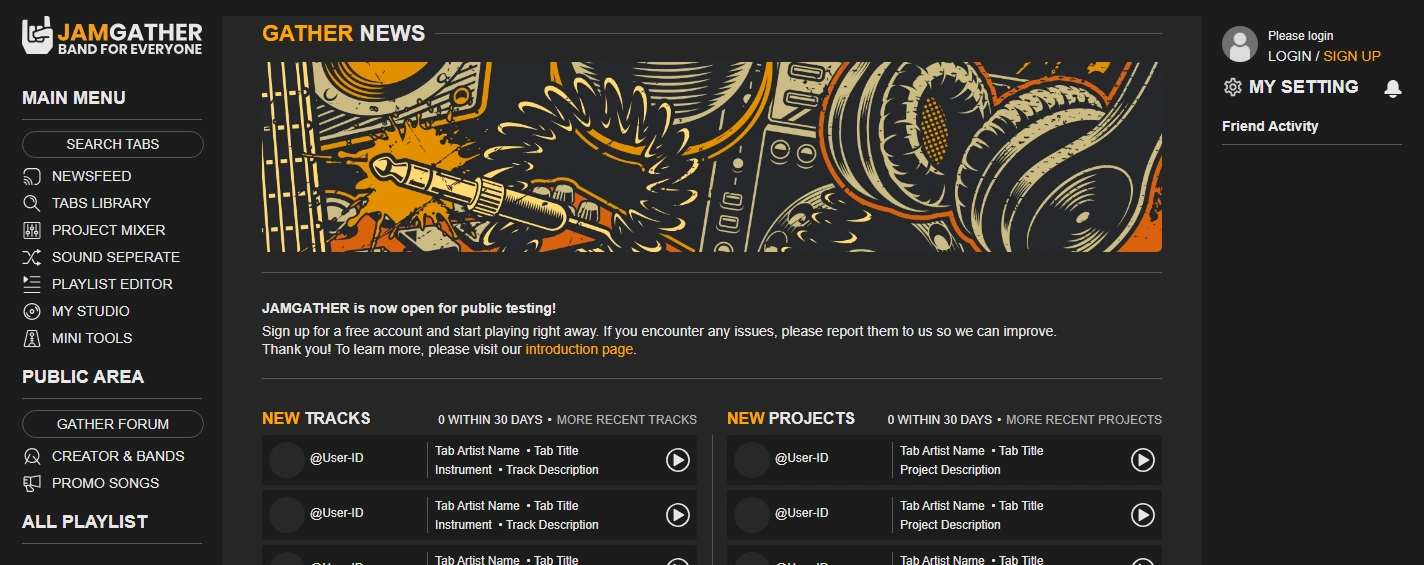
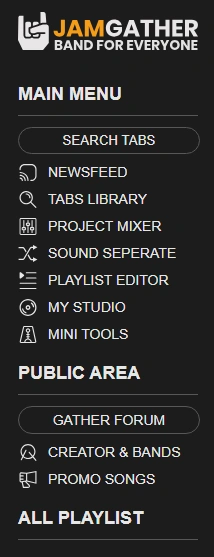
LEFT MENU
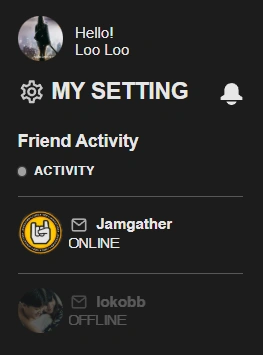
RIGHT PANEL
LEFT MENU
Search tabs, open the mixer, upload files, enter Newsfeed, manage My Studio, or jump into community pages without losing your place.
RIGHT PANEL
Login, open settings, check notifications, and keep friend activity visible while you browse music or edit projects.
WHAT YOU CAN DO
TABS LIBRARY
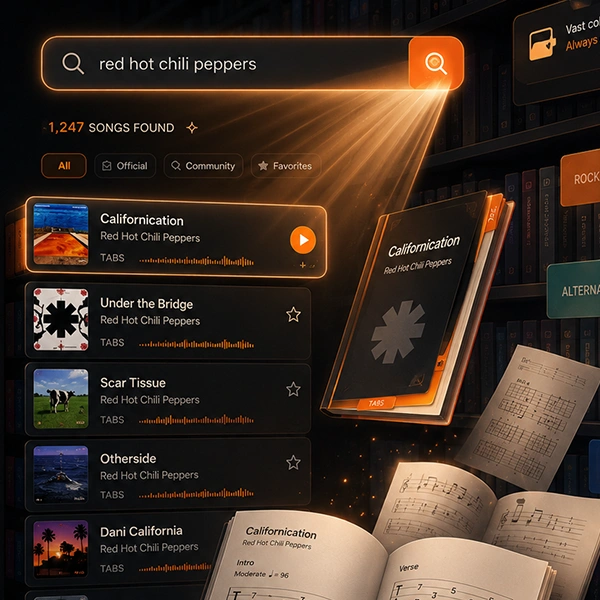
Find tabs, open a song in Project Mixer, record your own track, upload better tab data, or add tracks recorded by other members.
PROJECT MIXER
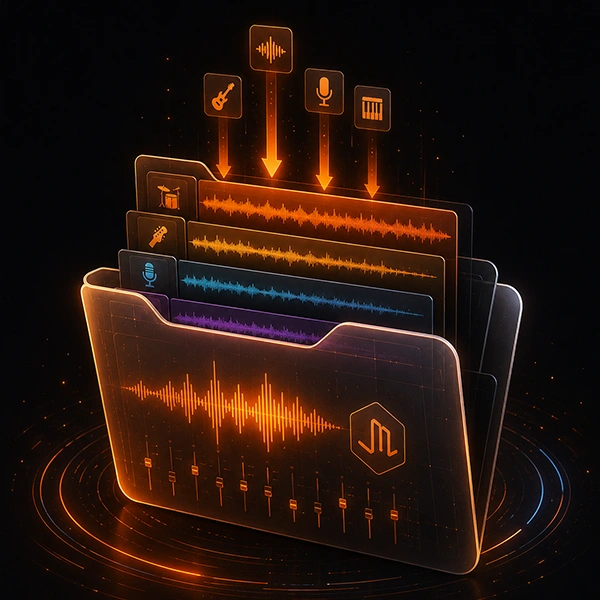
Project Mixer is the main work area where most key functions come together, and handle many of the core music-building tasks in one place.
SOUND SEPARATE
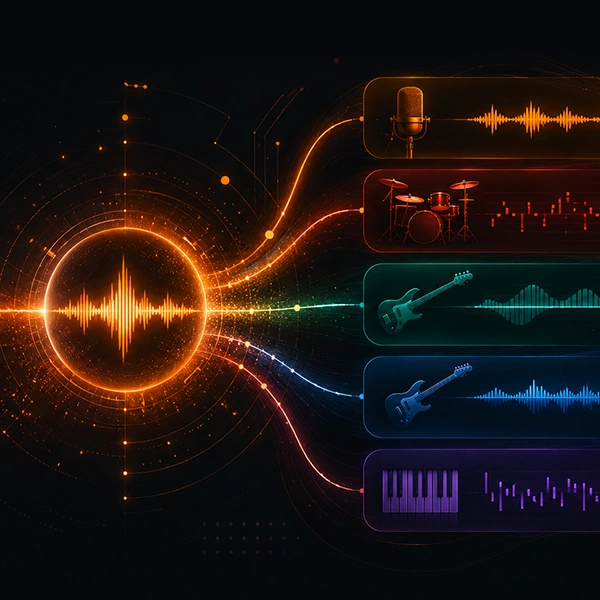
Upload a song, let AI split it into tracks, save the result as a project, and quickly create a playlist for practice.
PLAYLIST EDITOR
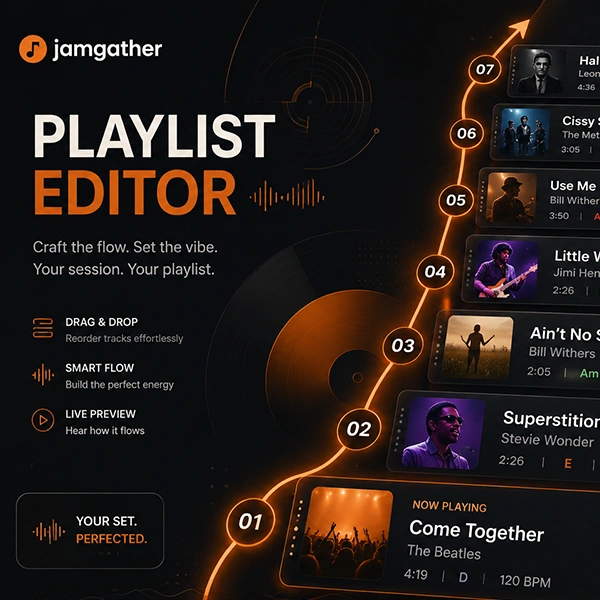
Collect projects, Sound Separate results, and favorite songs into playlists, then launch them fast from the left menu.
AUTO MUTE PLAYLIST
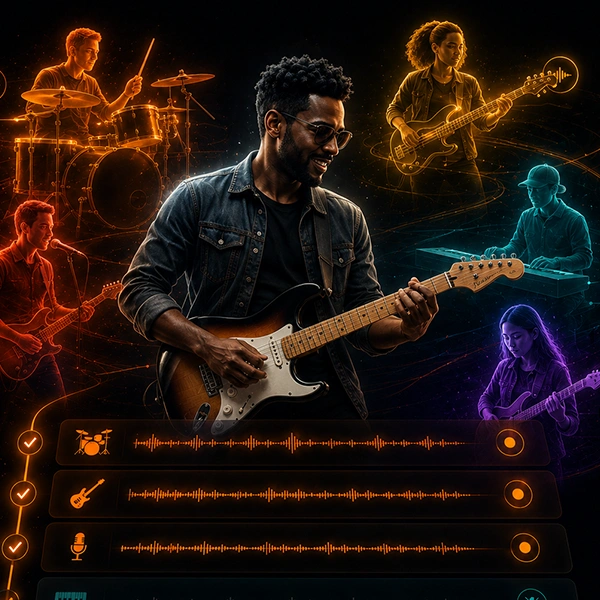
Mute selected instruments automatically for practice, or play project-made songs like a simple backing band.
NEWSFEED

Post your latest news, share tracks and projects, show new ideas, and let members follow what you are creating.
GATHER FORUM

Use category and language boards to discuss music, ask questions, contact admins, report problems, and suggest improvements.
MY STUDIO

Manage your own projects, recorded tracks, uploaded tabs, playlists, added songs, and everything saved to favorites.
MY SETTING

Change your avatar, banner, profile details, favorite instruments, and the music profile shown to other members.
KEEP MUSIC MOVING
When you find something you like, keep it close. Save tracks and projects, build playlists from favorites, share your work on Newsfeed, and use Forum when you want deeper discussion or feedback.
FROM ONE TAB OR ONE TRACK, YOU CAN START A PROJECT, FIND OTHER PLAYERS, AND TURN IT INTO SOMETHING PLAYABLE.
LAST UPDATE: 2026-05-06
© 2026 Jamgather. All rights reserved.